

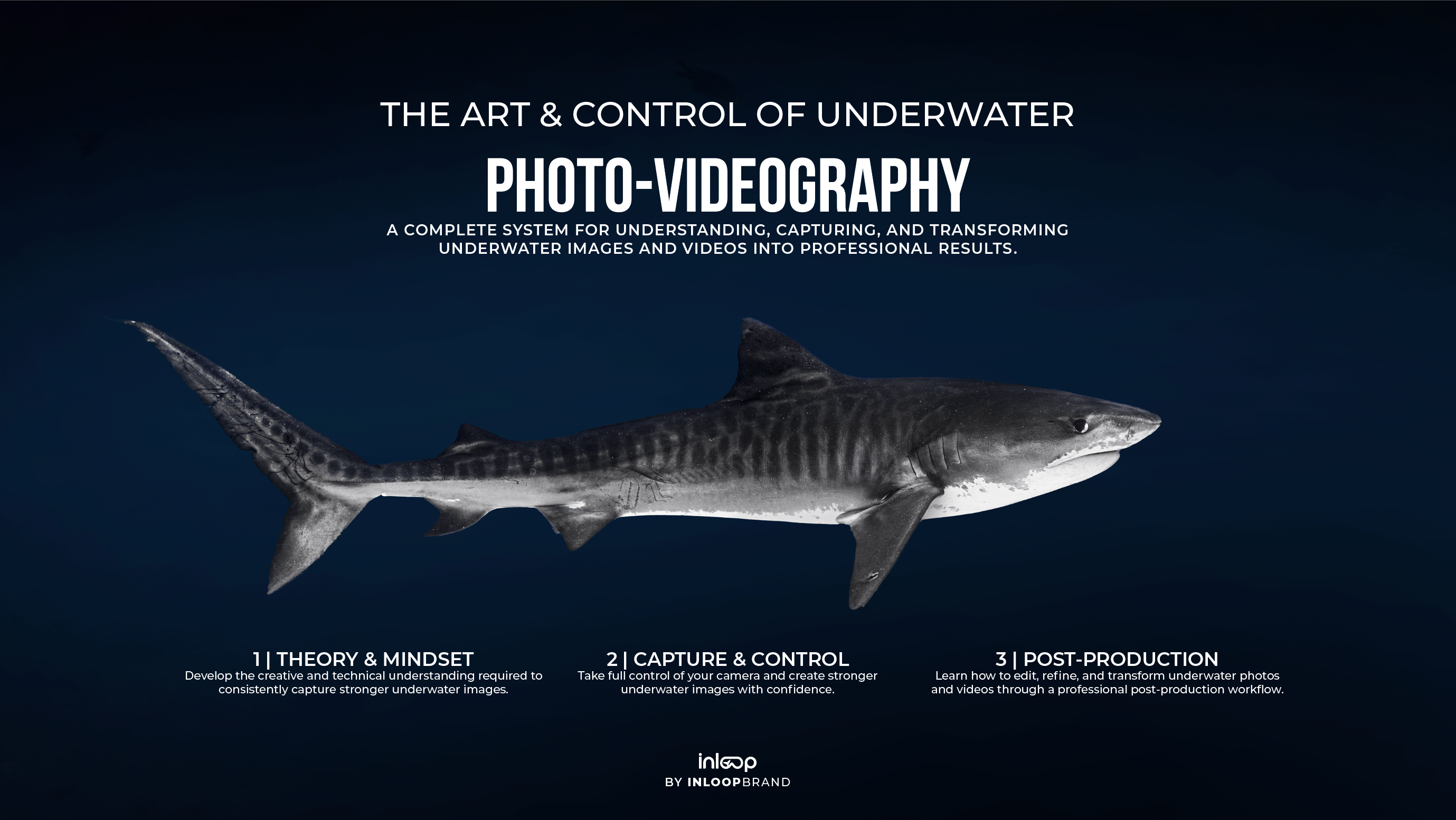
El arte y el control de la fotovideografía subacuática
Pairs well with

Personal Feedback

Lifetime Updates

Video Lessions

Compatible any Device

Interactive E-Book
El arte y el control de la fotovideografía subacuática
If you have any questions, you are always welcome to contact us. We'll get back to you as soon as possible, within 24 hours on weekdays.
-
Shipping Information
Use this text to answer questions in as much detail as possible for your customers.
-
Customer Support
Use this text to answer questions in as much detail as possible for your customers.
-
FAQ’s
Use this text to answer questions in as much detail as possible for your customers.
-
Contact Us
Use this text to answer questions in as much detail as possible for your customers.
Aprende fotografía submarina, videografía y edición profesional a través de un sistema completo paso a paso diseñado para fotógrafos, buceadores y entusiastas del océano. Descubre cómo elegir el equipo adecuado, dominar la configuración de la cámara, comprender la luz y el color bajo el agua, capturar imágenes más impactantes y editar tus fotos y videos usando Lightroom, Photoshop, Premiere Pro y After Effects. Ya sea que estés tomando fotos con una cámara de acción, una cámara compacta o una configuración profesional, aprenderás las técnicas utilizadas para crear contenido submarino profesional desde la captura hasta la edición final.
1 | Theory & Mindset
Build a solid understanding of how underwater photography really works. Learn how water affects light and color, develop a photographer’s eye through composition and visual storytelling, and discover how to choose the right equipment for your goals and budget.
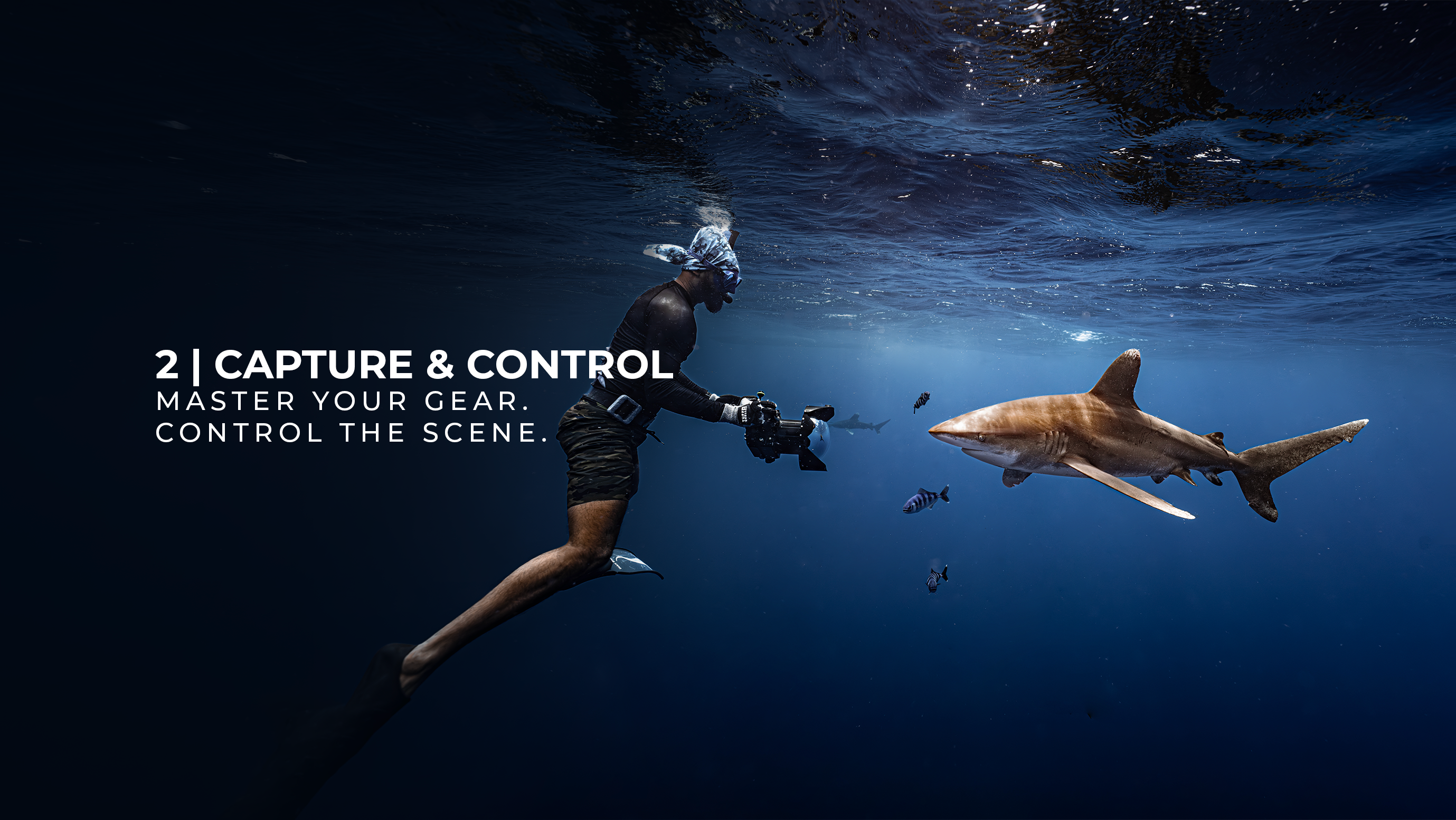
2 | capture & control
Master your camera underwater with confidence. From camera settings and exposure to lighting, buoyancy, framing, and shooting techniques, you'll learn how to consistently capture sharper, cleaner, and more professional images and videos.
3 | post-production
Transform your raw footage into professional results. Learn a complete editing workflow using Lightroom, Photoshop, Premiere Pro, and After Effects to recover colors, enhance images, create cinematic videos, and produce high-quality underwater content.
Software Requirements
This course uses Adobe Lightroom and Adobe Photoshop for underwater photo editing. For video, the workflow is built almost entirely in Adobe Premiere Pro, covering editing, color correction, color grading, masking, visual enhancements, exporting, and much more. Adobe After Effects is introduced only as a complementary tool for a small number of advanced masking techniques.
Software licenses are not included.
To follow the course, you'll need a computer capable of running the Adobe applications. We recommend at least:
- 8 GB of RAM (16 GB recommended for a smoother experience)
- A modern multi-core processor
- Around 15 GB of free storage for the software, plus additional space for your photo and video files
If you're unsure whether your computer is suitable, which Adobe plan to choose, or how to obtain the required software in the most cost-effective way, please feel free to contact us. We'll be happy to guide you and help you find the solution that best suits your needs.
Course Details
Course Details
Level: Beginner to Advanced
This course is designed for anyone looking to build a strong understanding of underwater photography, regardless of their current experience level.
Whether you're picking up a camera for the first time or already have experience underwater but want to refine your skills, the course provides a structured path from the fundamentals to advanced techniques.
The program includes approximately 100 pages of theory accompanied by detailed video lessons organized into clear, easy-to-follow sections. Each lesson is designed to build upon the previous one, helping you develop both the technical and creative skills required to create professional-quality underwater images.
A strong focus is placed on understanding the principles behind great photography, as well as developing a professional post-production workflow. From camera settings and composition to color correction, color grading, and advanced editing techniques, this course is designed to take you from the basics to a professional level of understanding.
A complete roadmap from beginner to advanced underwater photographer.