



Master Underwater Photo & Video Editing

LIFETIME UPDATES

COMPATIBLE ANY DEVICES

INTERACTIVE E-BOOK

PERSONAL FEEDBACK

VIDEO LESSIONS
You'll learn


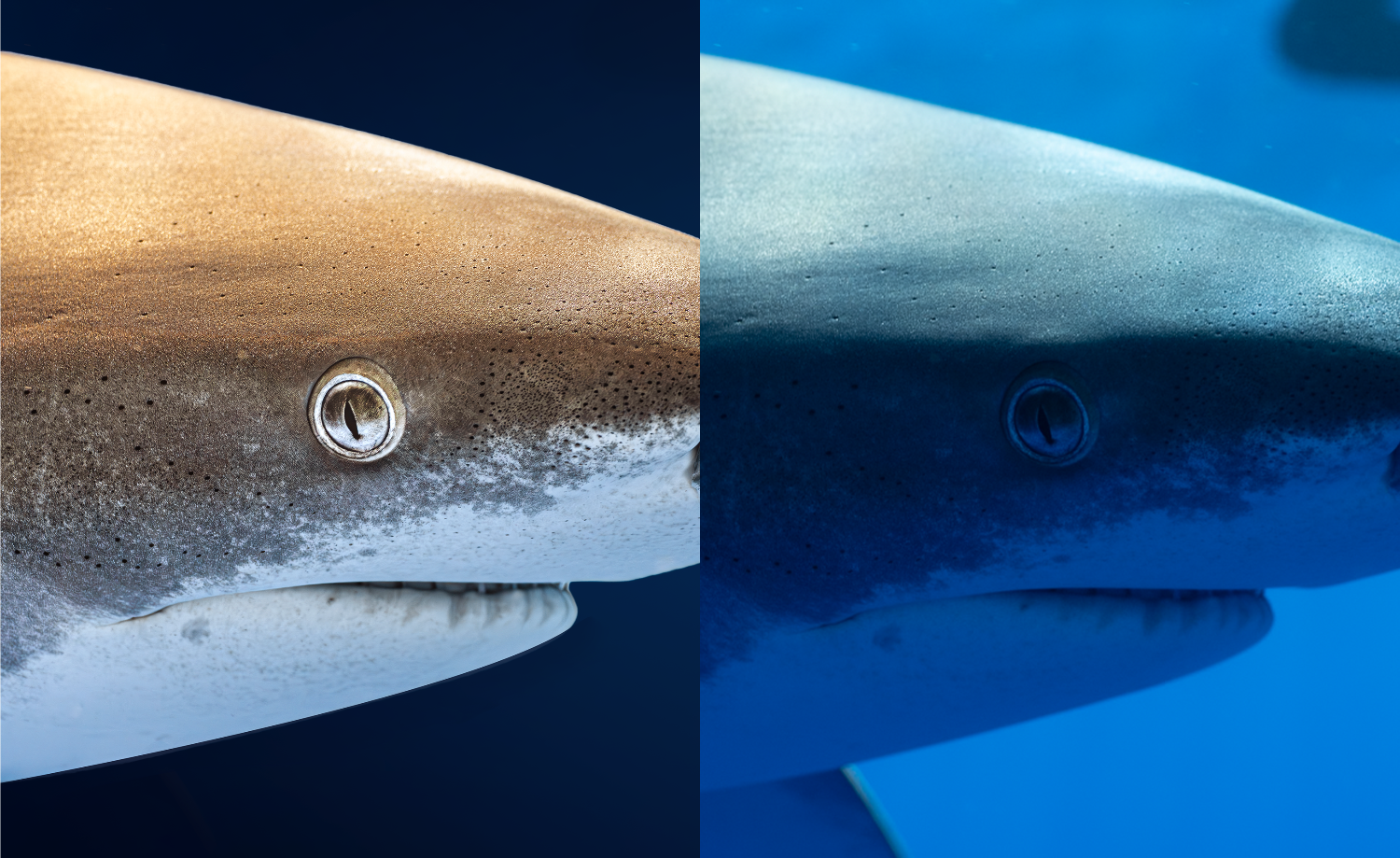
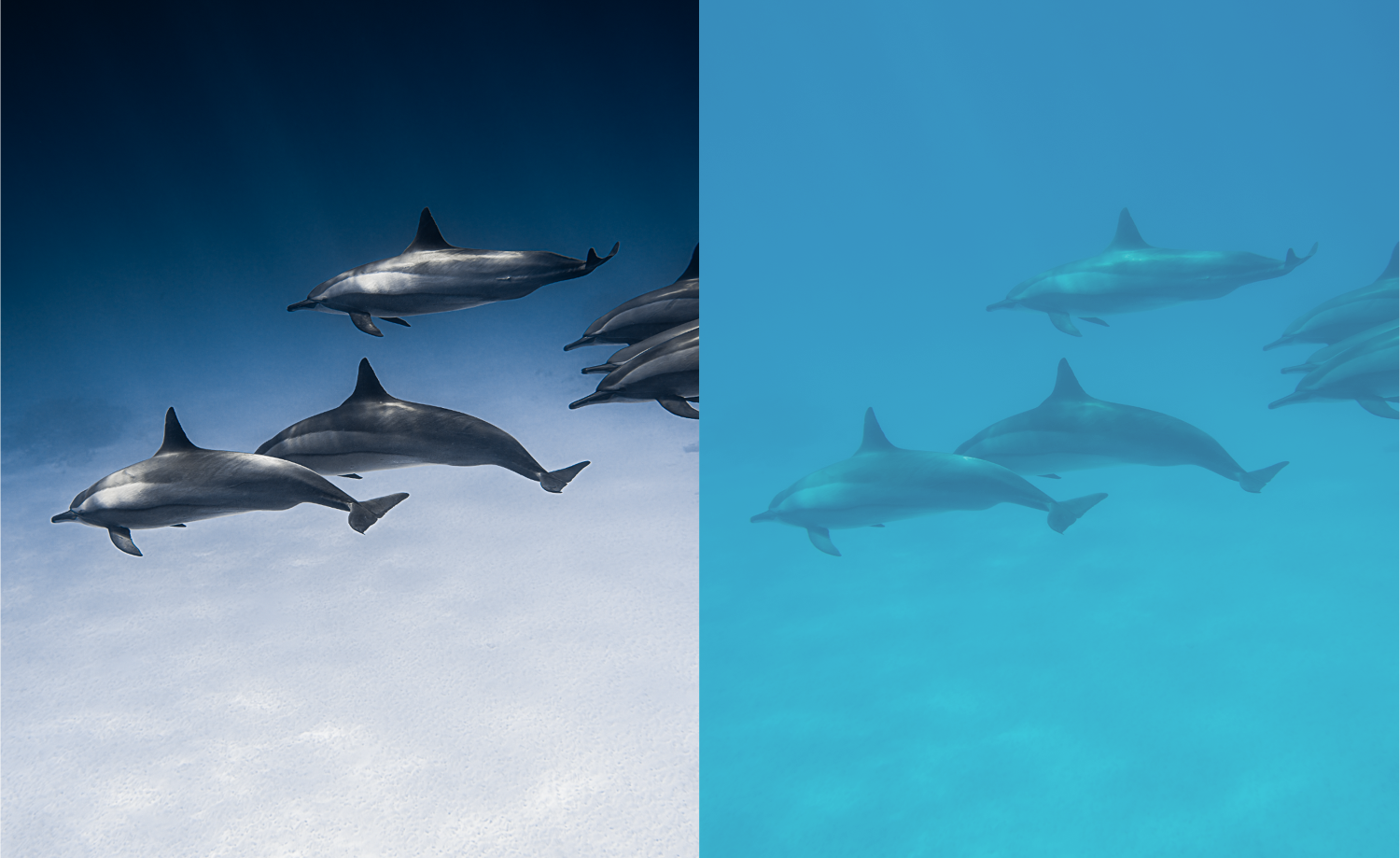
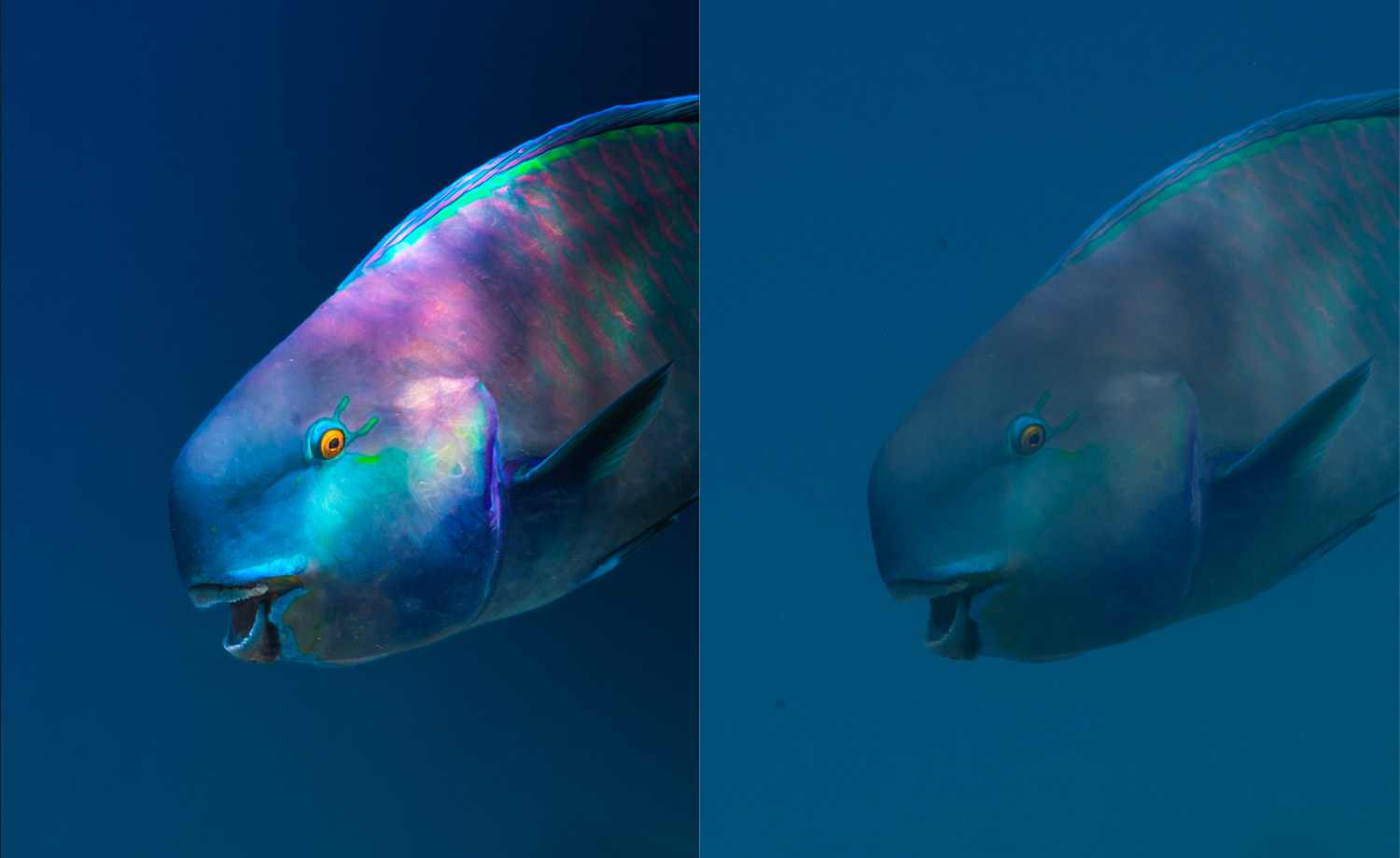
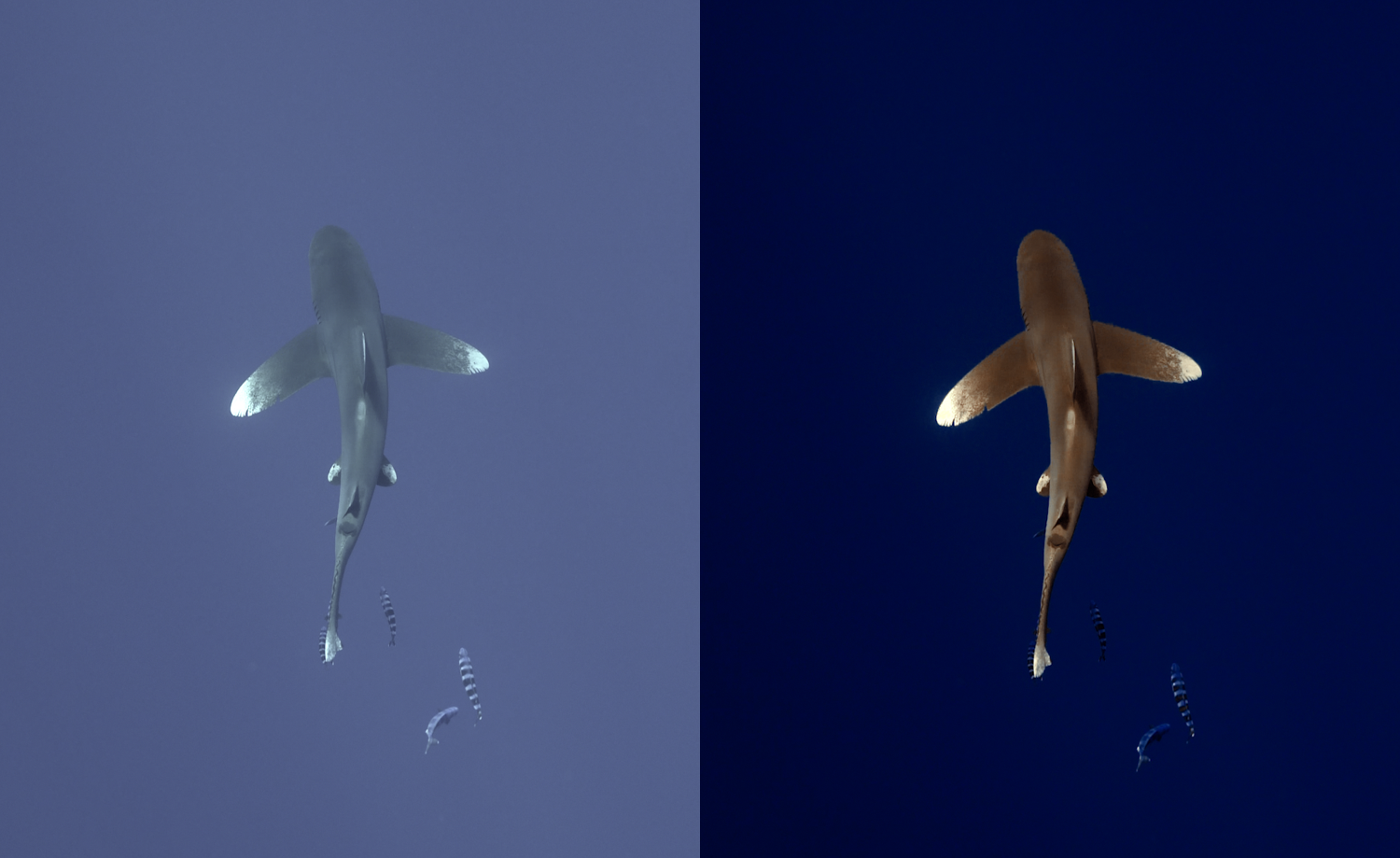
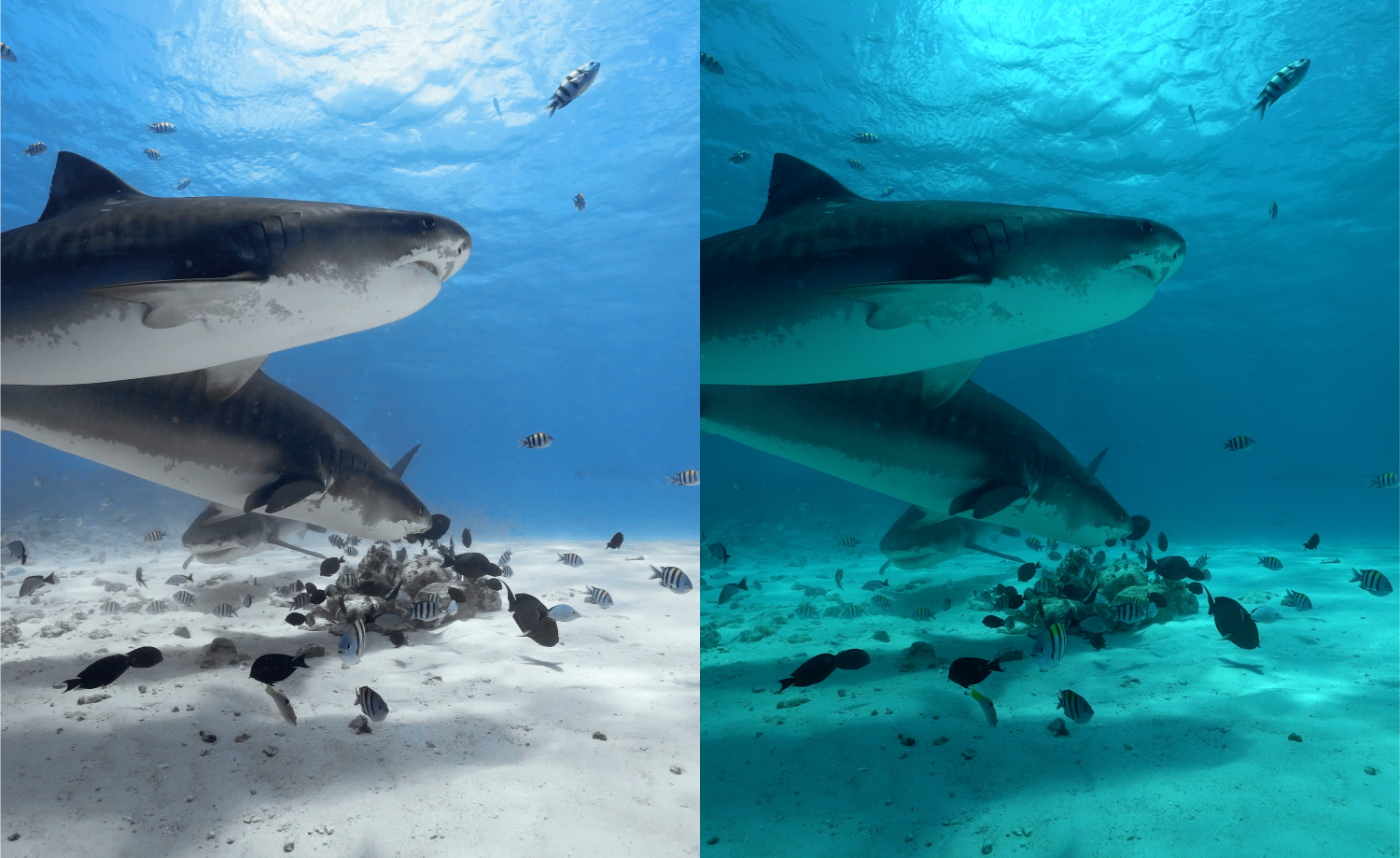
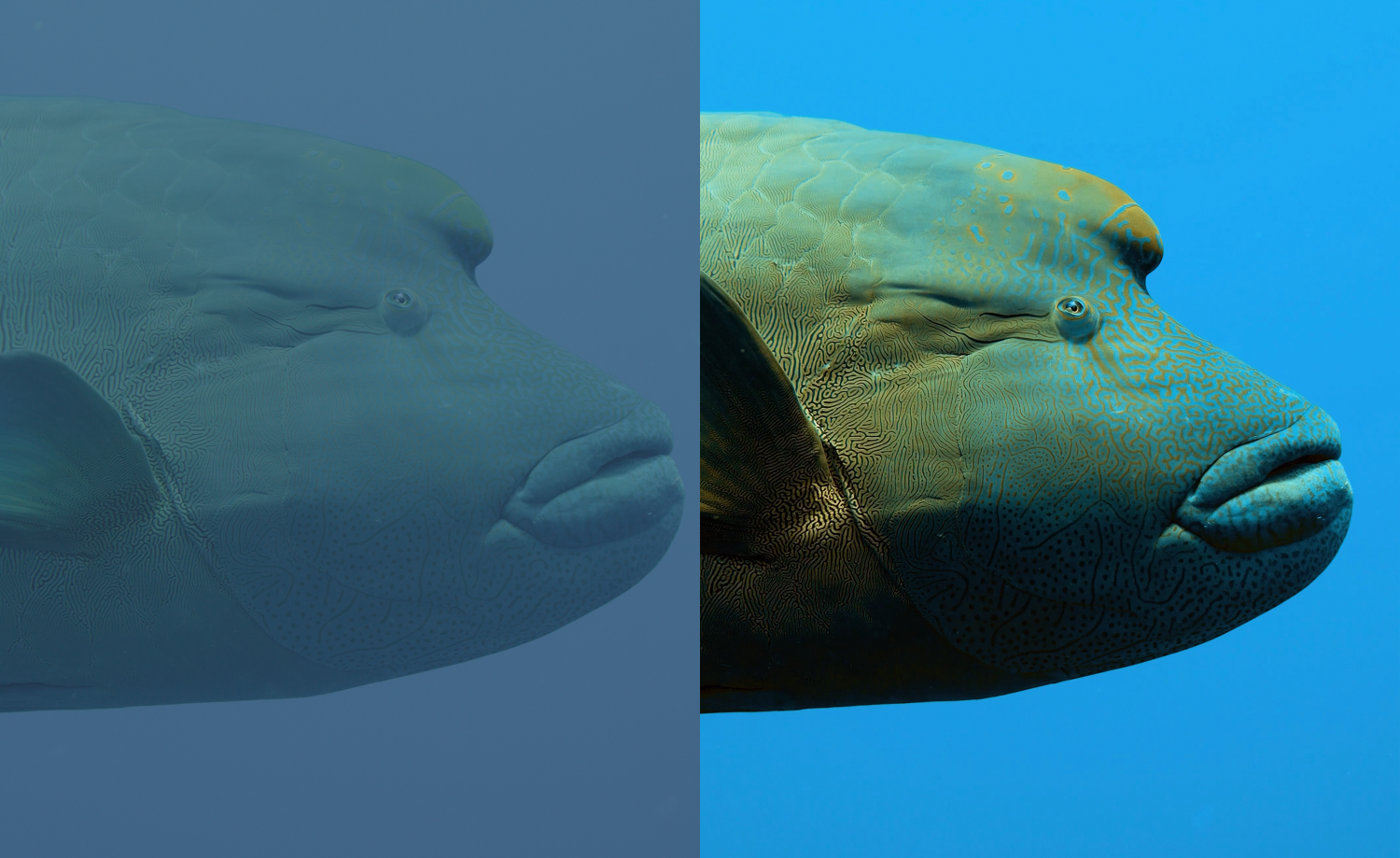
Transform your photos
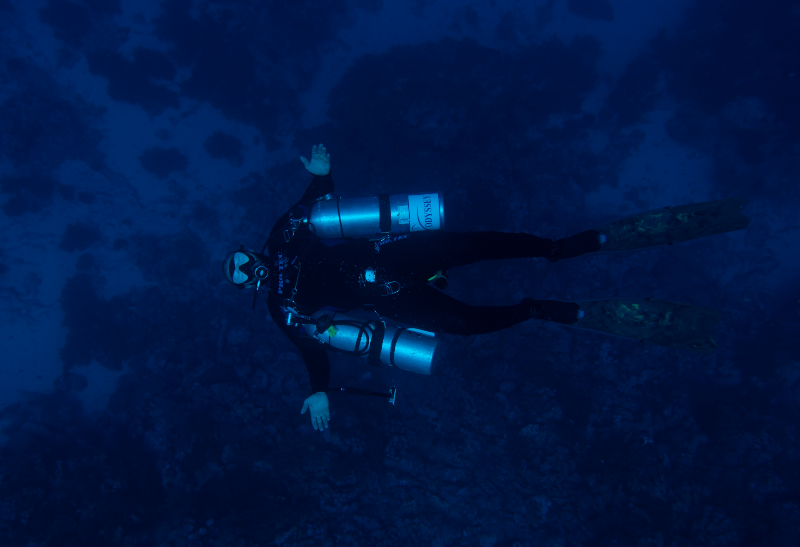
Before
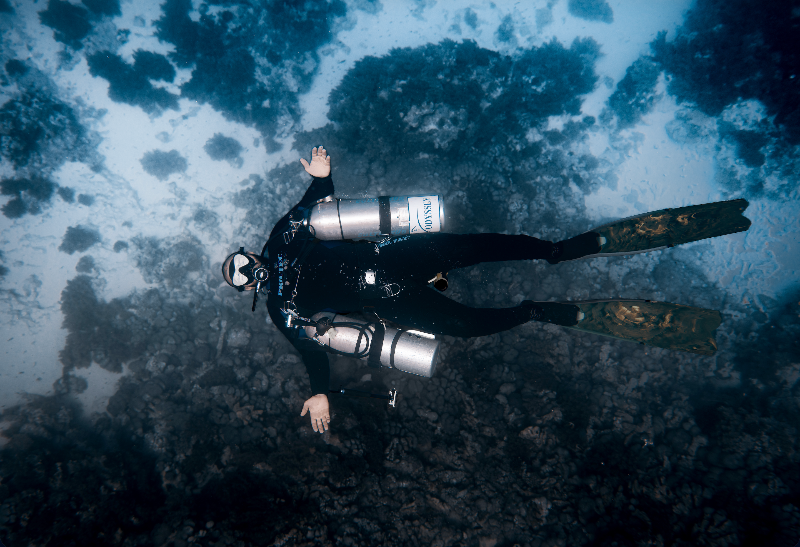
After
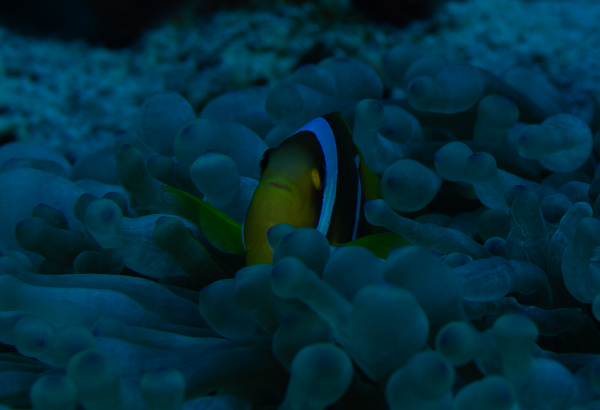
Before
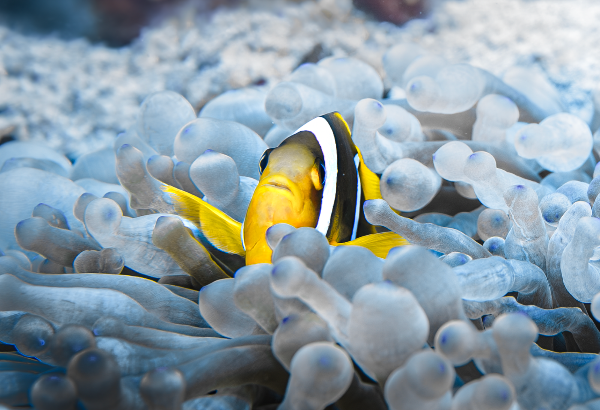
After
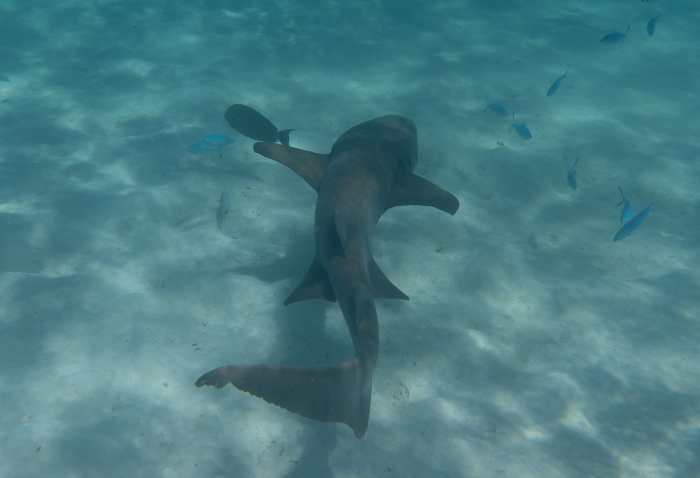
Before
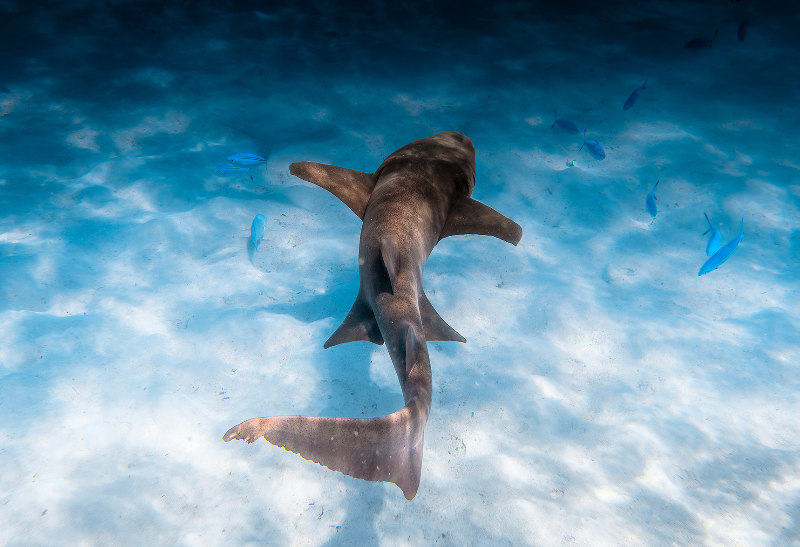
After
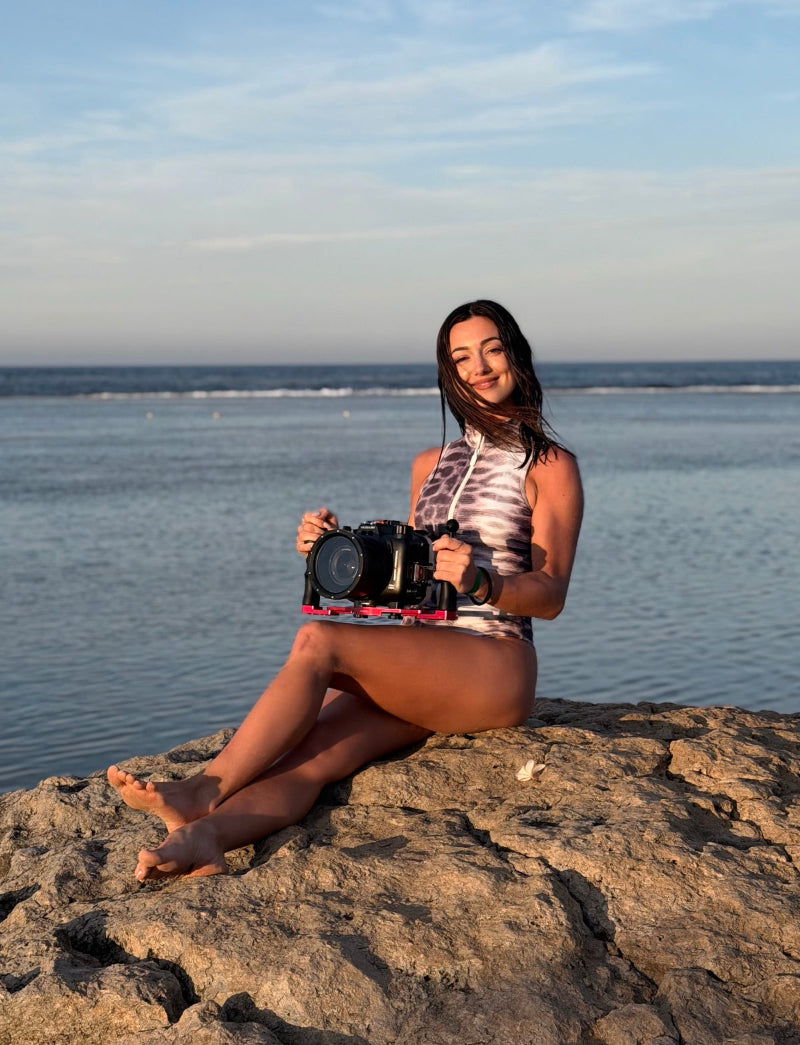
HI I'M GLORIA
The ocean has always been my greatest source of inspiration.
With a background in Graphic Design, Photography, and Digital Creation, I discovered the perfect way to combine my passion for creativity with the underwater world.
For me, photography and editing go hand in hand. Editing isn't just about adjusting colours or correcting an image, it's a form of art that allows me to highlight the beauty the ocean already has and share it through my own perspective.
Today, my goal is to help other underwater photographers understand the principles behind photography and editing, so they can develop their own style and create images they're truly proud of.
Discover the COURSES
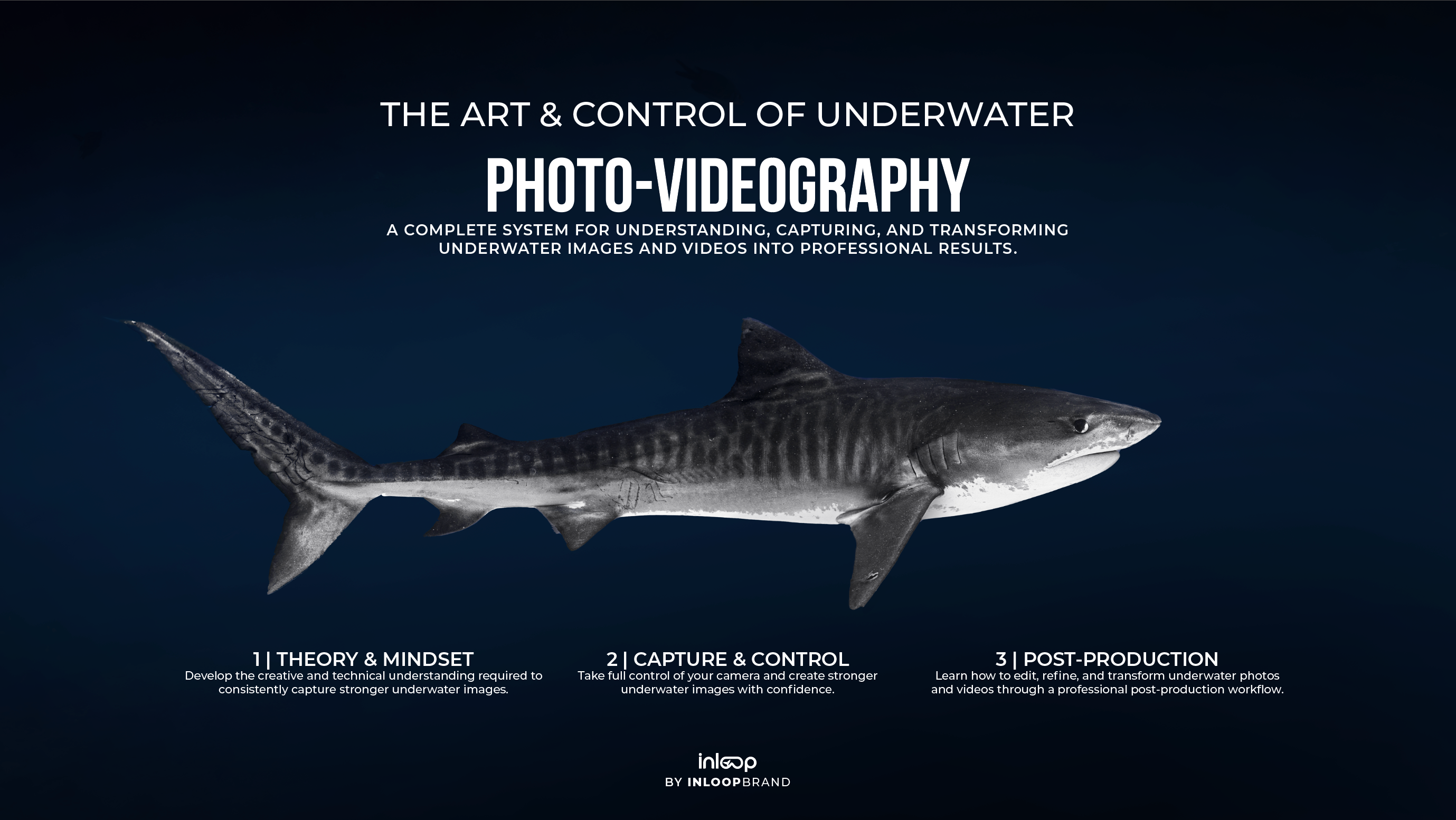
The Art & Control of Underwater Photo-Videography
Underwater Photography Editing Course
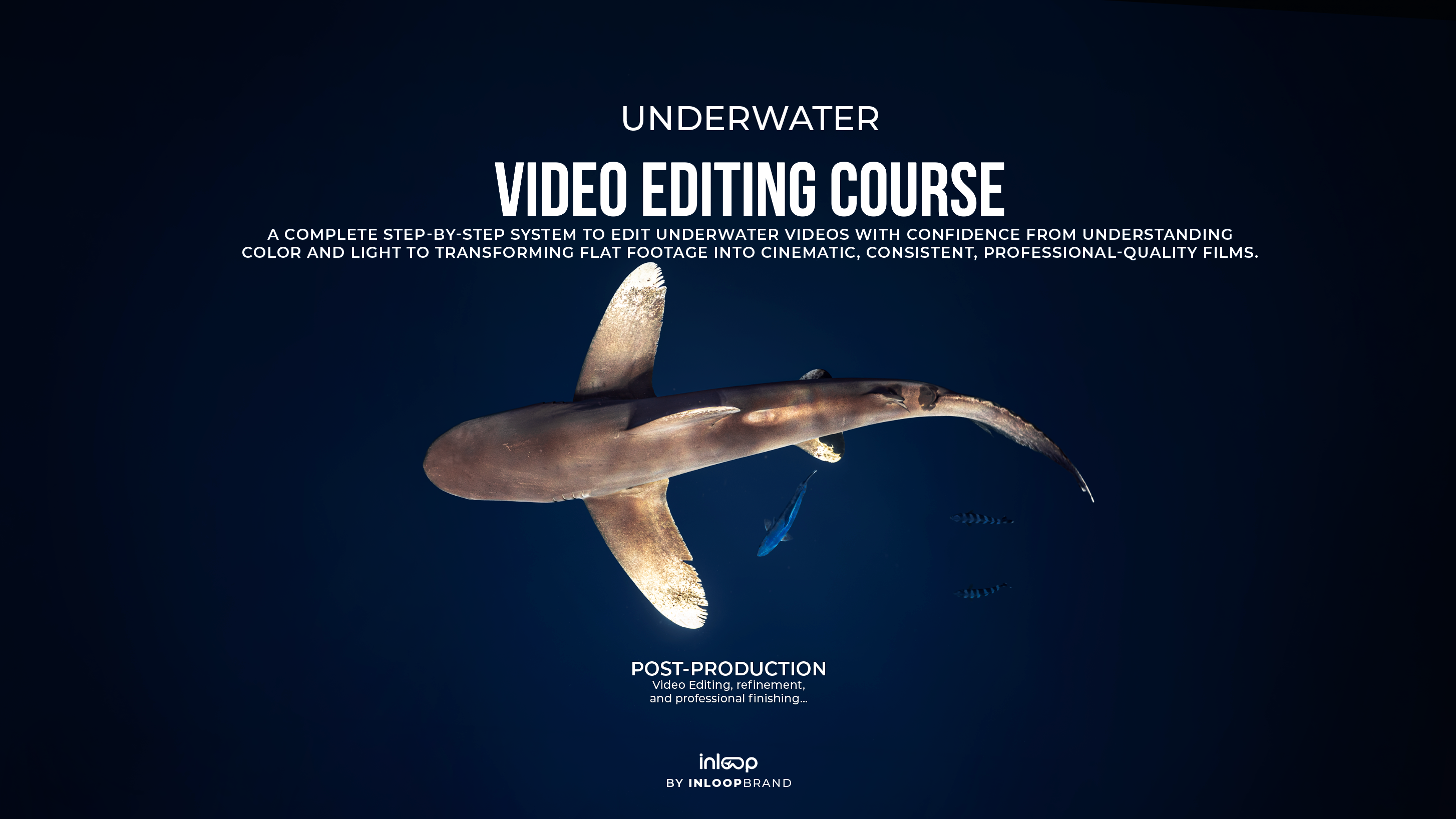
Underwater Videography Editing Course


FAQs
What software is used in the courses?
The courses are built around the Adobe Creative Cloud ecosystem, including Lightroom, Photoshop, Premiere Pro, and After Effects. However, the theory, techniques, and creative principles taught can be applied to many other photo and video editing programs.
Do I need previous experience?
If you're enrolling in The Art & Control of Underwater Photo-Videigraphy, no previous experience is required. The course is designed to guide you step by step, starting with the fundamentals and building a strong foundation before moving into more advanced concepts and techniques.
For the Photo Editing and Video Editing courses, a basic understanding of photography or videography may be helpful, but all editing workflows are explained in a clear and practical way.
How long will I have access?
You will receive lifetime access to the course and all future updates.
Do I need to pay for anything else?
The only additional cost may be the editing software. If you're concerned about costs, get in touch and I'll help you find the most affordable way to access the programs.
What are the requirements?
To get the most out of the courses, a laptop or desktop computer is recommended, especially for Premiere Pro and After Effects, which are used for video editing and advanced masking techniques.
Lightroom and Photoshop can also be used on mobile devices, making it possible to follow much of the photo editing workflow directly from your phone or tablet.
Keep in mind that the principles, editing techniques, and creative workflows taught throughout the courses can be applied to many other editing programs. The software is simply the tool the knowledge remains the same.
After Effects is only used for a small section of the course focused on advanced masking and refinement techniques, so it is not a major part of the overall workflow.