

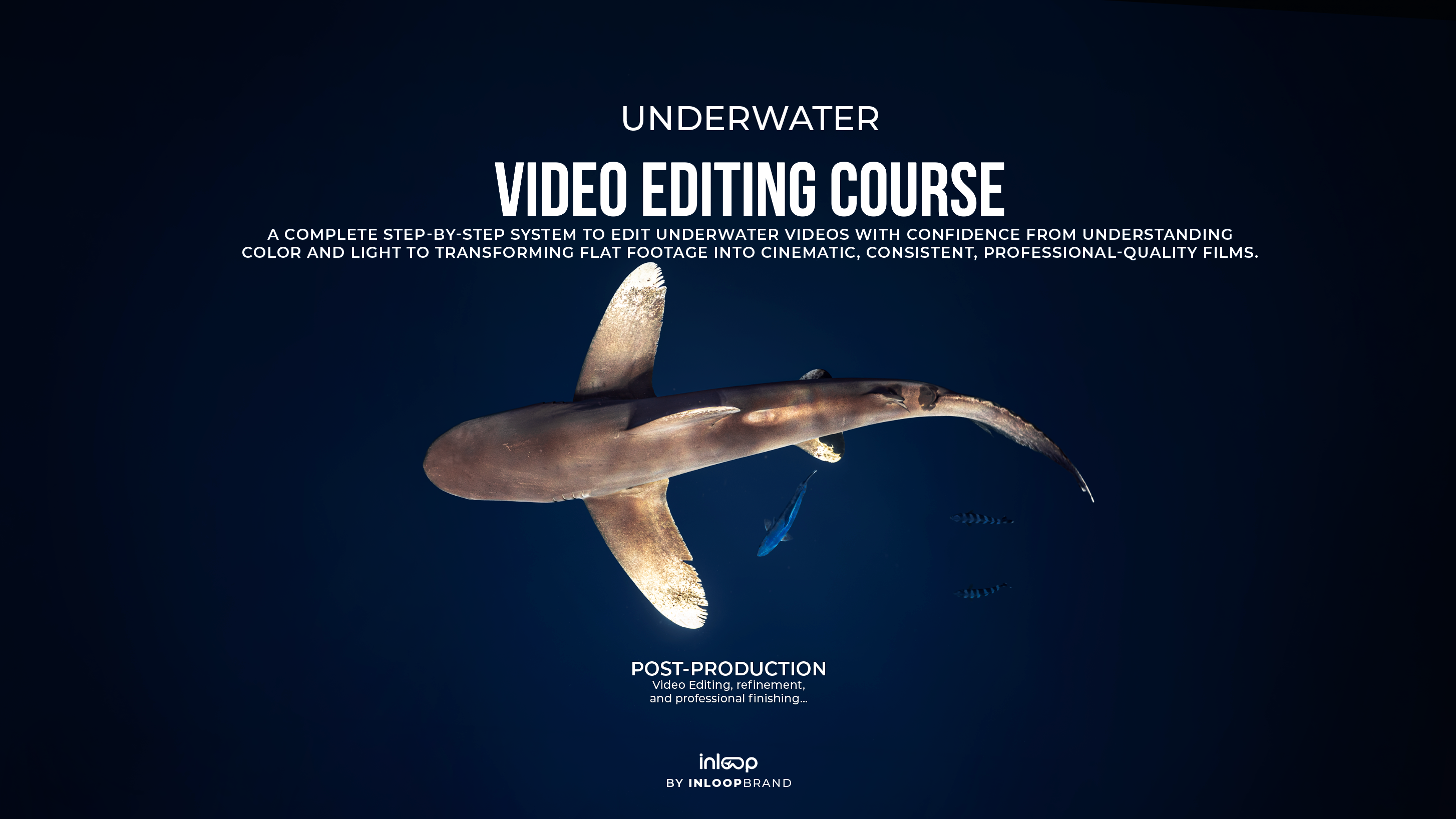


Underwater Videography Editing Course
Pairs well with

Instant Download

Free Personal Feedback

Lifetime Updates

Video Lessions

Compatible any Device

Interactive E-Book | 100% Online
Underwater Videography Editing Course
If you have any questions, you are always welcome to contact us. We'll get back to you as soon as possible, within 24 hours on weekdays.
-
Shipping Information
Use this text to answer questions in as much detail as possible for your customers.
-
Customer Support
Use this text to answer questions in as much detail as possible for your customers.
-
FAQ’s
Use this text to answer questions in as much detail as possible for your customers.
-
Contact Us
Use this text to answer questions in as much detail as possible for your customers.
Learn how to edit underwater videos using Adobe Premiere Pro, mastering color correction, cinematic color grading, stabilization, workflow optimization, and professional editing techniques to transform raw underwater footage into polished, high-quality films. A few advanced masking techniques are also demonstrated in After Effects as an optional complement to the workflow.
1 | post-production
Transform your underwater footage into cinematic, professional results. Learn a complete video editing workflow built primarily in Premiere Pro, from color correction and grading to sequencing, masking, and exporting. You'll also discover how to use After Effects as a complementary tool for advanced masking and visual enhancements when needed.
Software Requirements
This course is taught primarily using Adobe Premiere Pro, with Adobe After Effects introduced only as a complementary tool for advanced masking and visual enhancements.
To follow the course, you'll need a computer capable of running Adobe Premiere Pro. We recommend at least:
- 8 GB of RAM
- A modern multi-core processor
- Around 10 GB of free storage for the software, plus additional space for your video files
If you're unsure whether your computer is suitable, which software plan to choose, or how to access the editing software in the most cost-effective way, feel free to contact us. We'll be happy to guide you and help you find the best option for your needs.
Course Details
Course Details
Level: Beginner to Advanced
This course is designed for anyone who wants to learn professional underwater video editing, regardless of their current experience level.
Whether you're new to video editing or already have experience and want to refine your workflow, this course provides a structured learning path from the fundamentals to advanced editing techniques.
The program includes approximately 40 pages of theory, best practices, and practical guides, accompanied by detailed video lessons organized into clear, easy-to-follow sections. Each lesson builds on the previous one, helping you develop a complete understanding of the underwater video editing workflow using Adobe Premiere Pro, with Adobe After Effects introduced as a complementary tool for advanced techniques.
By the end of the course, you'll have a complete roadmap to confidently transform your underwater footage into polished, cinematic, professional-quality videos.