

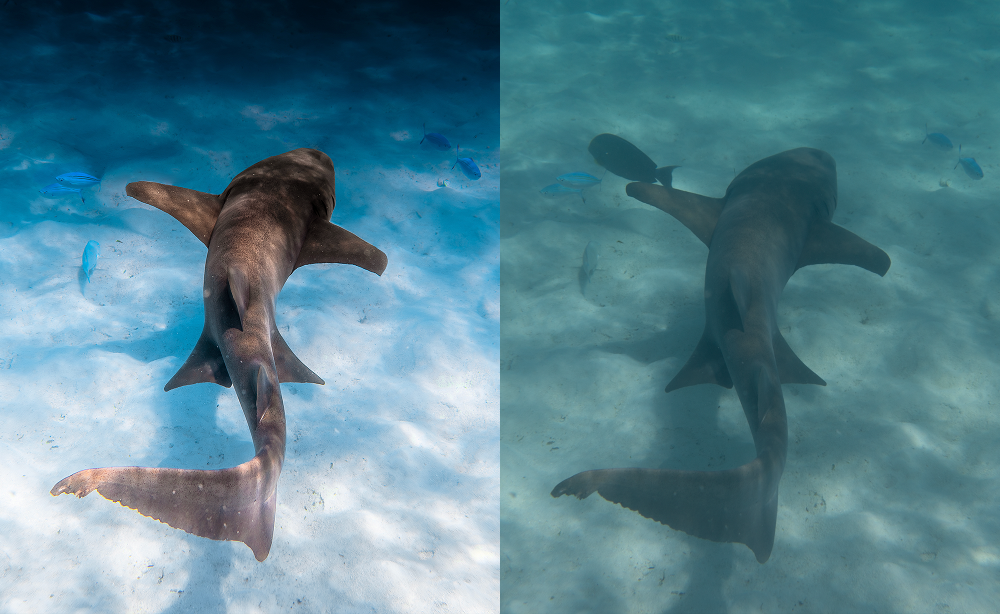
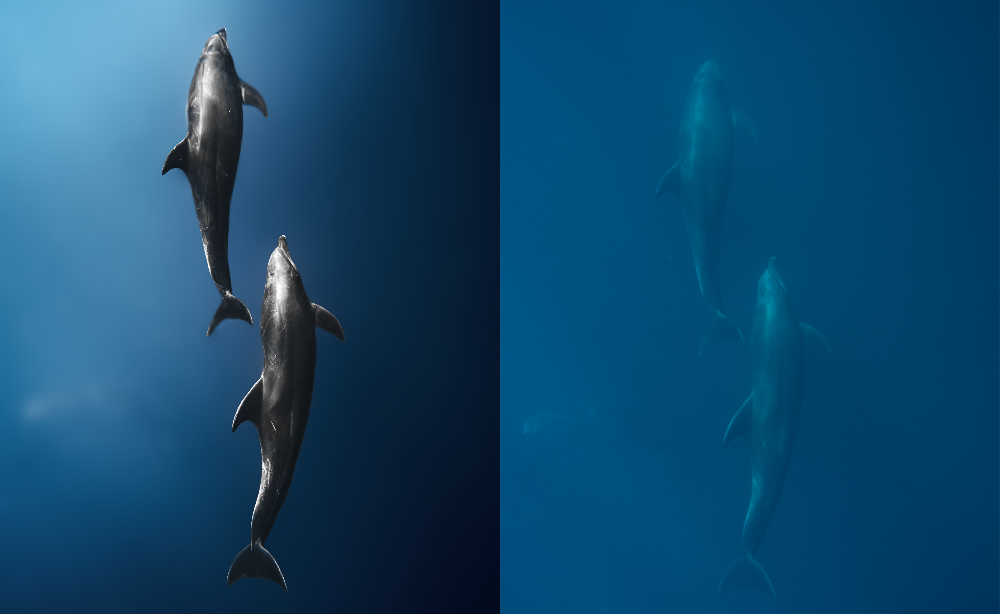
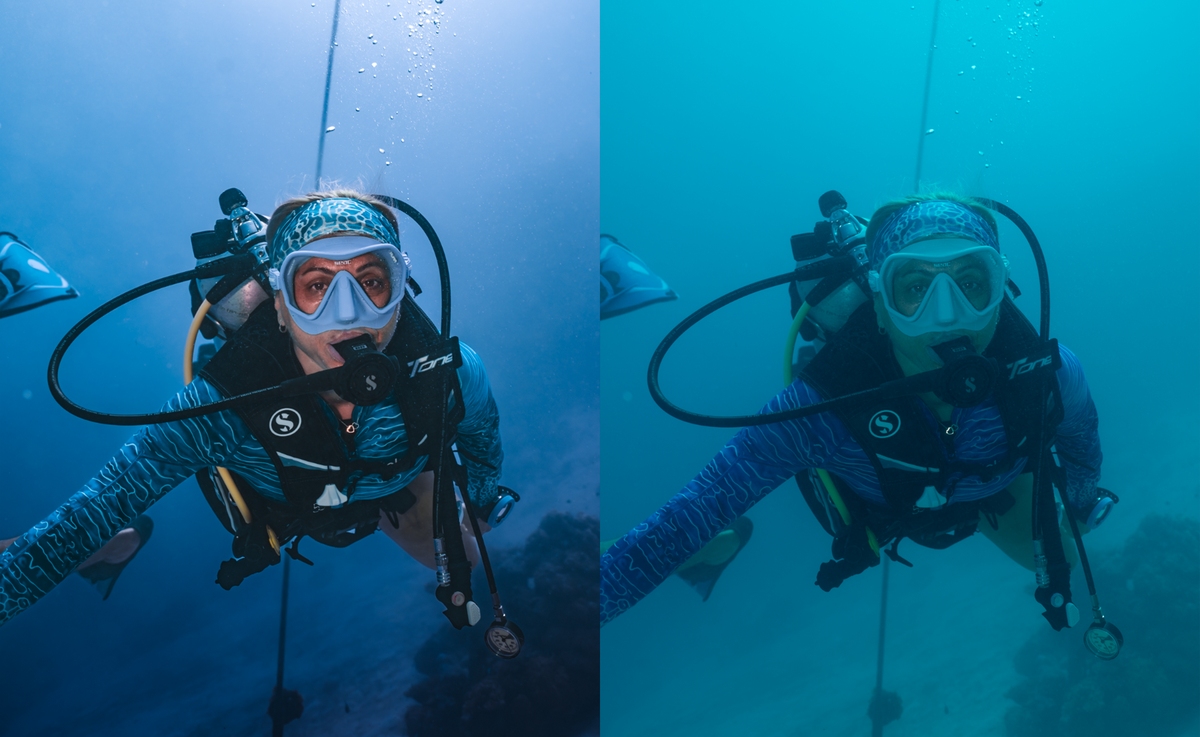
The Glorious Preset Pack
Pairs well with

Instant Download

Lifetime Uptades

Presets Guide & Tips

Mobile & Desktop Compatible
The Glorious Preset Pack
If you have any questions, you are always welcome to contact us. We'll get back to you as soon as possible, within 24 hours on weekdays.
-
Shipping Information
Use this text to answer questions in as much detail as possible for your customers.
-
Customer Support
Use this text to answer questions in as much detail as possible for your customers.
-
FAQ’s
Use this text to answer questions in as much detail as possible for your customers.
-
Contact Us
Use this text to answer questions in as much detail as possible for your customers.
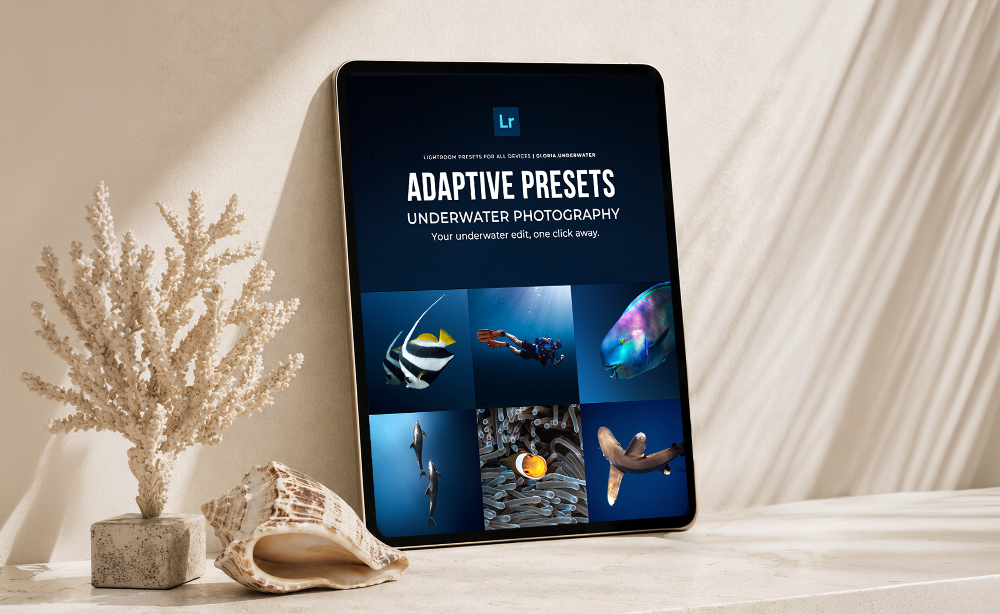
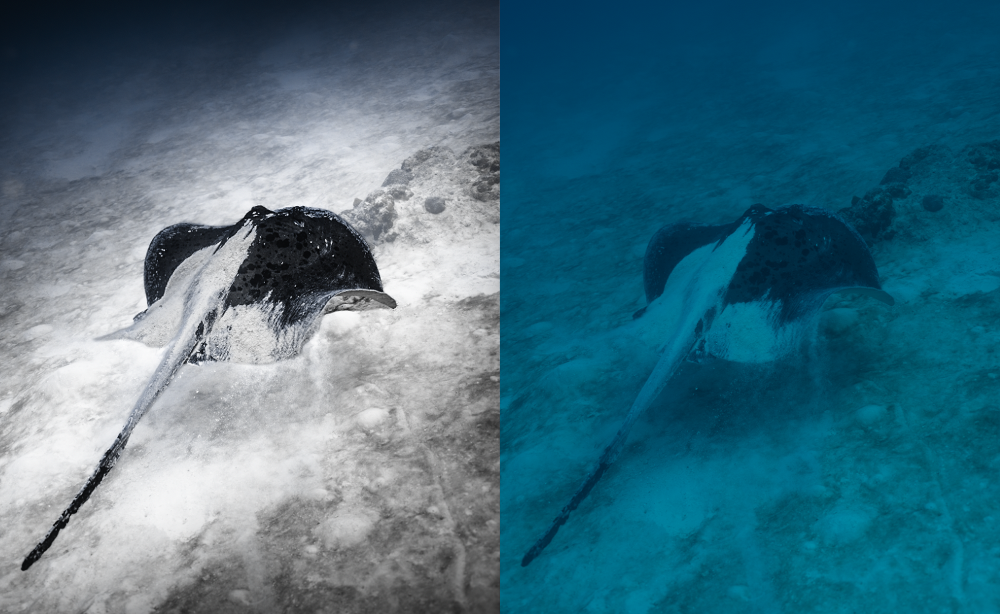
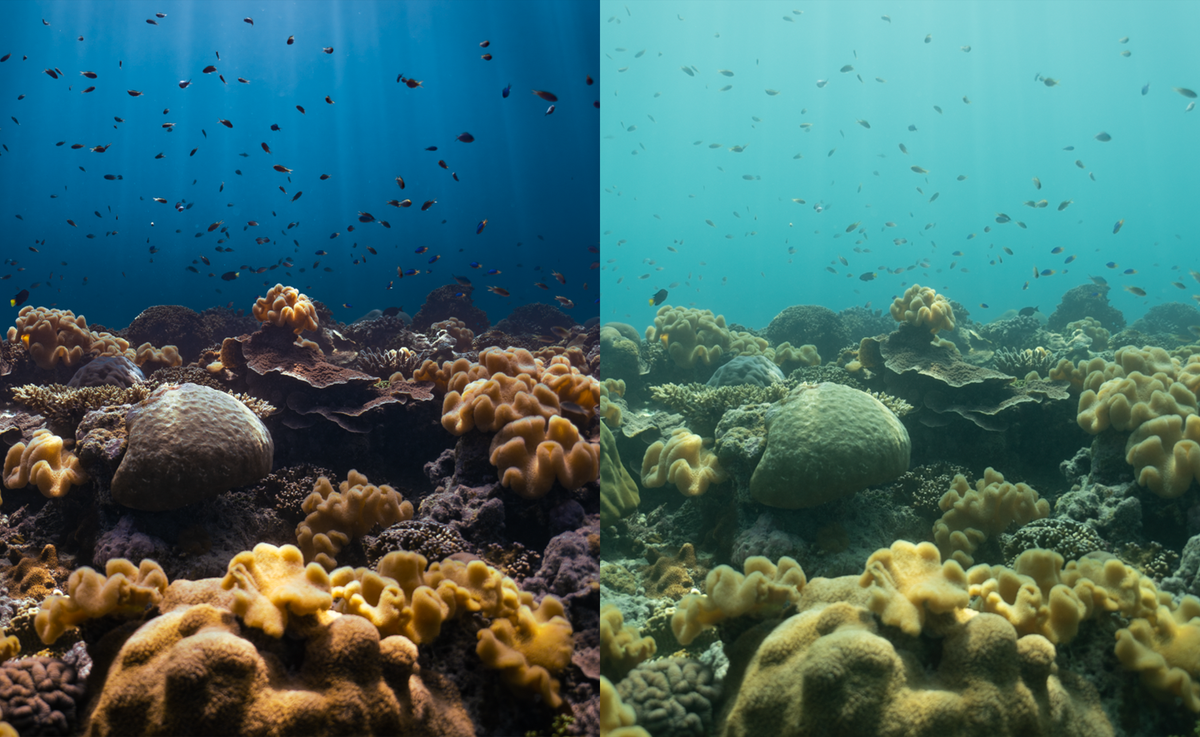
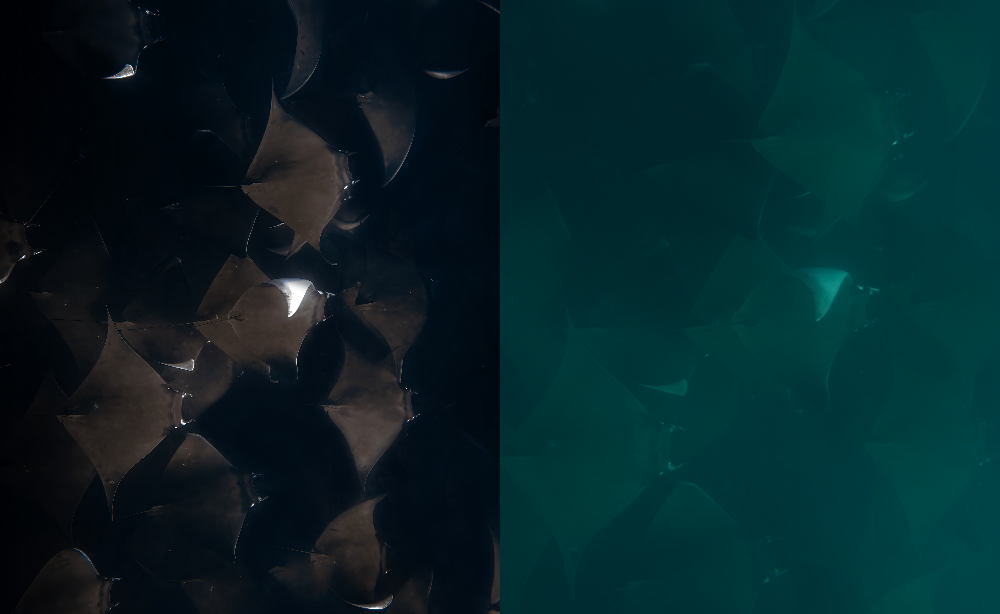
Transform your underwater photos faster with a complete collection of 57 Lightroom presets designed for a wide range of underwater conditions, subjects and editing styles.
The Glorious Preset Pack includes presets created for different depths, water tones, lighting conditions, marine life and skin tones, giving you a strong edit in just one click while keeping enough flexibility for different shooting situations.
Inside the pack, you’ll find a mix of adaptive presets, subject-specific presets, essential base presets and masks designed to help you enhance color, contrast, clarity and overall balance without building every edit from scratch.
CAMERA COMPATIBILITY
These presets are designed specifically for RAW files and work with the most commonly used camera systems, including:
- Sony
- Canon
- Nikon
- Fujifilm
- Panasonic / Lumix
- Olympus / OM System
- RAW / DNG files from compatible smartphones
You do not need to use the same camera that was used to create the presets.
Different cameras may produce slightly different starting colors, contrast and white balance, but the presets are designed to adapt across different RAW files and underwater shooting conditions.
For the best results, choose the preset that best matches your depth, water color, subject and available light.
Different cameras. Different RAW files. One underwater workflow.
Software Requirements
To use these presets, you’ll need Adobe Lightroom.
Compatible with:
- Adobe Lightroom Desktop
- Adobe Lightroom Classic
- Adobe Lightroom Mobile
- Windows & macOS
- iPhone & iPad
- Android devices
Standard presets can be used with Lightroom’s free version. However, Lightroom Premium may be required for presets that use AI masks or other selective masking features.
Please note that AI masks automatically analyze each image and, depending on the subject, visibility, distance, and image quality, some masks may require minor manual adjustments.
SUPPORT & PERSONAL FEEDBACK
Need help getting the best result from your presets? Personal support is included.
Together with your preset files, you’ll receive a WhatsApp contact number where you can reach out directly if you have questions about installation, choosing the right preset, masks, Lightroom settings or how to get the best result from a specific image.
If something doesn’t look quite right, you can also share your image and receive personal feedback and guidance on the adjustments that may help.
We want you to feel confident using your presets, so if you need help, you don’t have to figure it out alone.